The Power of Automated Payment Links: How to Get Paid 3x Faster
As a freelancer or a small business owner, there is nothing more frustrating than completing a big project, sending out the invoice, and then... waiting. And waiting.
Traditionally, businesses operated on Net 30 or Net 60 terms, giving clients ample time to process paper checks or arrange wire transfers. But in 2026, those slow payment cycles are a massive bottleneck for cash flow. If you want to grow your business, you need cash in hand faster.
The secret to drastically reducing your Days Sales Outstanding (DSO)? Automated Payment Links.
Here is why embedding one-click payment links into your digital invoices is an absolute game-changer.
1. Eliminate the "Friction" of Paying
When you send a PDF invoice with bank transfer details written at the bottom, you are giving your client a chore. They have to:
- Open their banking app
- Manually type in your account number and routing code
- Double-check the amount
- Hit send
Every extra step is friction. Friction leads to procrastination, and procrastination means you get paid late.
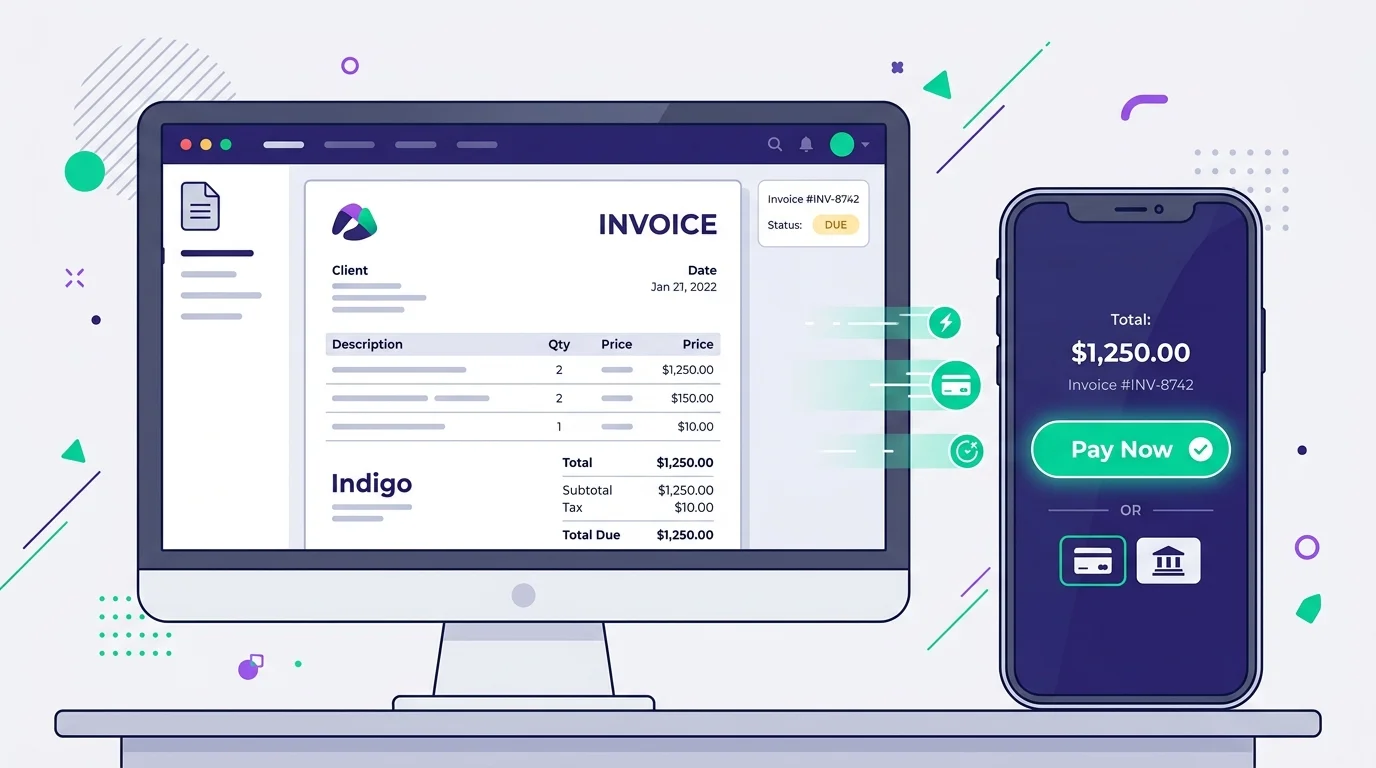
A payment link reduces this to a single step. The client clicks "Pay Now", and they are instantly taken to a secure checkout page where the amount is pre-filled. They can pay via Apple Pay, Google Pay, credit card, or instant bank transfer in under 10 seconds.
2. Leverage Mobile Payments
Did you know that over 60% of B2B invoice emails are first opened on a mobile device?
If your client opens your invoice while waiting in line for coffee, they aren't going to pull out their physical checkbook. But if there is a massive, clickable payment link in the email, they can authorize the payment using FaceID or their mobile wallet right then and there.
3. Instant Reconciliation
For you, the business owner, payment links aren't just about speed—they are about organization.
When a client pays via a manual bank transfer, you have to log into your bank, see a deposit (sometimes with a cryptic reference code), and manually cross-reference it with your pending invoices.
When a client pays via an integrated payment link, your invoicing software automatically marks that specific invoice as "Paid". You get a real-time notification, your revenue metrics update instantly, and your accounting books stay perfectly balanced without any manual data entry.
4. Professionalism and Trust
Sending a secure, branded payment link looks incredibly professional. It signals to your clients that you run a modern, serious operation with bank-grade security.
With built-in SSL encryption and compliance with global payment standards (like PCI-DSS), your clients will feel much more comfortable entering their payment details on your checkout portal than they would reading their credit card number over the phone.
Conclusion
If you are still sending static PDFs without a way to pay online, you are leaving money on the table (and losing hours to administrative headaches).
By adopting an invoicing software that supports integrated payment links, you make it trivially easy for your clients to pay you. And when it's easy to pay you, you get paid faster. It really is that simple.
Ready to transform your billing process? Try our software today and see how our Smart Payment Links can cut your waiting time in half.